Get started
 Log in
Student Locator
Sometimes, you just need to be able to find a student or a staff member in the middle of the day.
Share this tipTranscript
As a principal, I'm sure you know the feeling. There are times throughout the day when you need to know where to go to find a student or a staff member. And today, I'm going to show you that it might be easier than you think...
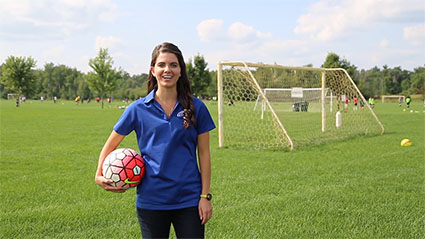
Hi, I'm Maria, and I'm having a little trouble tracking down a co-worker.
As a principal, I'm sure you know the feeling. There are times throughout the day when you need to know where to go to find a student or a staff member. And today, I'm going to show you that it might be easier than you think.
Skyward's Student Locator widget can be positioned anywhere on your dashboard for quick access, or you can just look for this icon at the top of any screen.
To use the Student Locator, simply type in the first few letters of the student's last name.
From this screen, you can toggle between students and staff for a quick look at their daily schedule.
To jump to a detailed profile, simply click on the informational icon up top.
Class summary, attendance, and scheduling will be readily available.
Oh! There you are!
The ability to track someone down is an important element of your job as a principal.
Work smarter with Skyward's Student and Staff Locator.
Stay tuned for the next Quick Hits for Principals, coming soon.
Watch More From Office Admin
Attendance Letters
Behavior Reporting