Get started
 Log in
Home
Using Family Access
How Parents Check Grades
Stay on top of your child's progress! Learn how parents can check grades in Skyward Family Access, view assignment details, and keep up with academic performance.
Share this resourceTranscript
Let's look at how we can check our students' grades in Skyward.
Once we log into Family Access, we'll see a shortcut to grades right on our main dashboard...
Once we log into Family Access, we'll see a shortcut to grades right on our main dashboard...
Let's look at how we can check our students' grades in Skyward.
Once we log into Family Access, we'll see a shortcut to grades right on our main dashboard.
We can also find it in the main menu.
Here's where we can get an overview of our child's grades for the current term.
We can also click the Grade Mark Code to see how the grades are calculated.
We can filter for current classes, or we can get a view of the whole year.
In addition to the Grades tile, we have some other ways to get a snapshot of our student's academic performance.
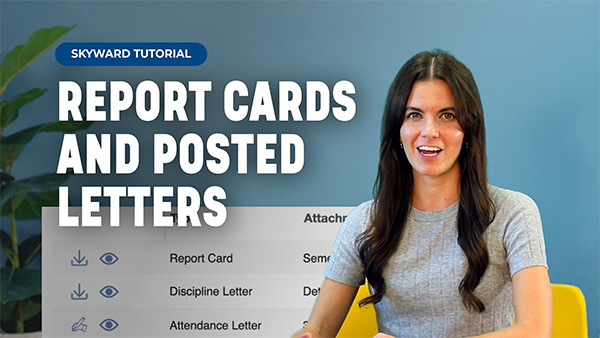
We can click on the Portfolio tile to view any attachments. Here we see things like report cards and transcripts, discipline letters, and food service letters.
Report cards can be electronically reviewed and signed here.
Another way we can review and sign them is with the Career Plan and Endorsement tiles.
Read the Full Transcript
Once we log into Family Access, we'll see a shortcut to grades right on our main dashboard.
We can also find it in the main menu.
Here's where we can get an overview of our child's grades for the current term.
We can also click the Grade Mark Code to see how the grades are calculated.
We can filter for current classes, or we can get a view of the whole year.
In addition to the Grades tile, we have some other ways to get a snapshot of our student's academic performance.
We can click on the Portfolio tile to view any attachments. Here we see things like report cards and transcripts, discipline letters, and food service letters.
Report cards can be electronically reviewed and signed here.
Another way we can review and sign them is with the Career Plan and Endorsement tiles.