Get started
 Log in
October 04, 2016 • read
Video School Episode III: Personalize Your Feedback
|
Lauren Pozorski Blogger, Traveler, and Video Talent |

Lauren Pozorski
If a picture is worth a thousand words, then a video must be worth about a million…
Traditional methods of grading can be forgettable, tedious, and leave your students with unanswered questions. On our quest to find ways educators can improve upon existing practices, we explored three new options teachers can use to give more personalized feedback. Could these methods help you and your students?
Watch the Video
Screencasting
Although you try your best to give clear, thorough feedback, sometimes it’s still hard for students to understand. Wouldn’t it be easier if you could just show them and talk to them about what you like and things you would change?Video Recording
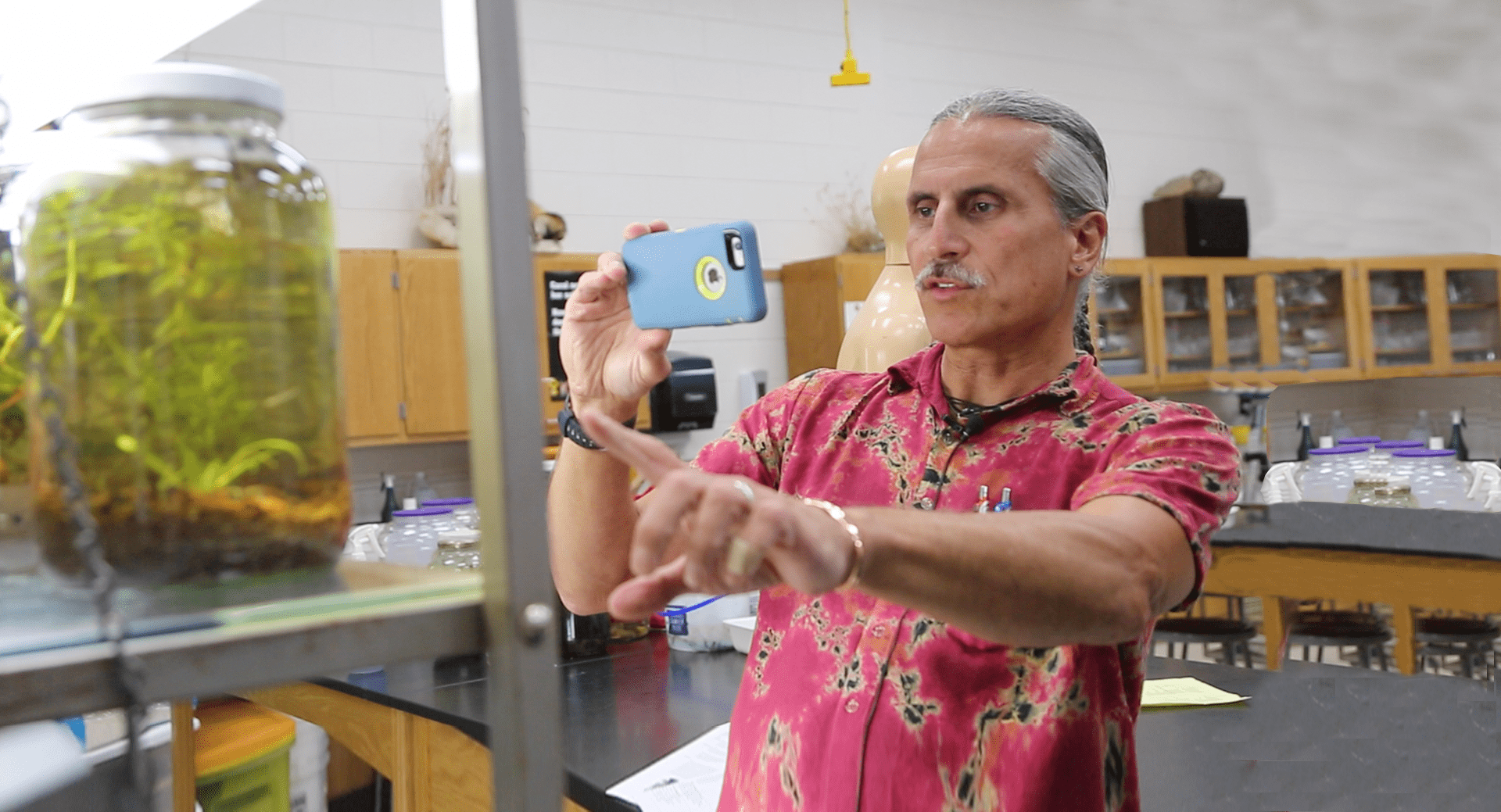
Sometimes screencasting just won’t work. If you’re a teacher who grades a lot of projects or 3D models, you and your students can enjoy the same benefits if you film their projects with your phone and share your feedback in video form.Podcasting
Maybe you don’t want to create videos, but you still think it would be easier to talk to your students than to write out all of your feedback. Enter podcasting. This creative approach also lets your students hear feedback straight from you, while allowing you to say a lot more in a lot less time.For a more in-depth look at each of the methods, be sure to check out the video above!
Bonus Tip: After your students have reviewed your feedback, whether through a video, a screencast, or a podcast, ask them to spend 10 minutes writing a reflection (or recording a Google voice message) on what they learned and ways they could improve. Exercises like this one will help students get the most from your advice.
Technology is continuously opening new doors to alternative methods of teaching, learning, and communicating with students. Give one of these new practices a shot. You’ll never know how much you and your students could benefit unless you try!
We love hearing from our innovative readers! How does your district harness the power of videos? Let us know and we just might feature you in our next episode of Video School!
Thinking about edtech for your district? We'd love to help. Visit skyward.com/get-started to learn more.
|
Lauren Pozorski Blogger, Traveler, and Video Talent |
Lauren enjoys visiting school districts and spreading the word about creative, non-traditional approaches to universal challenges. Follow her for on-the-scene reporting (with a little fun sprinkled in) and tips on how to enjoy a better Skyward experience.