Get started
 Log in
June 30, 2018 • read

Technology Tips: June 2018 Edition
|
Skyward IT Services Network Infrastructure and Security Specialists |

Skyward IT Services

';--have i been pwned?
With data breaches becoming more common, wouldn’t it be useful to know if your accounts have been compromised and are available for use on the dark web? Enter ‘;--have i been pwned?. This simple search engine monitors dark web traffic and identifies accounts that have been compromised. Simply enter your email, press “pwned?” and find out if you’ve been victimized.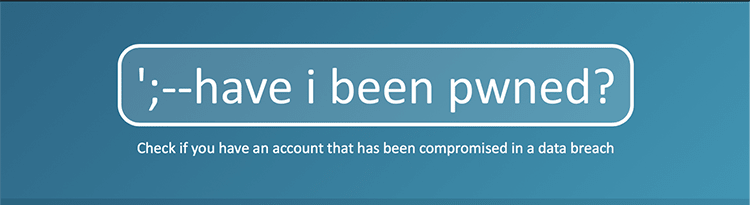
If you have, we recommend changing your password for not only that account, but also any other websites for which you are using the same credentials.
Want to know if your account gets compromised in the future? Click the Notify Me button at the top of the screen and submit your email. It’s as easy as that!
The G Suite Learning Center
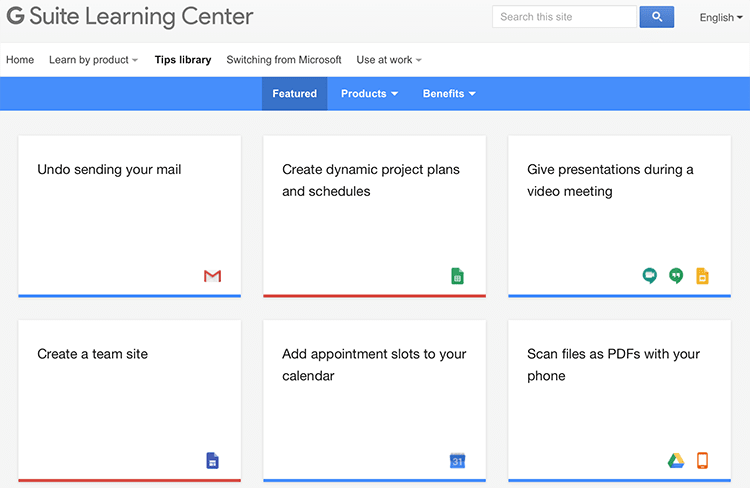
Did you know you can use Google to send large attachments via email, scan files as PDFs with your phone, and summarize your data with charts? You can learn how to carry out all of these tasks, and many more, in the G Suite Learning Center. This curation of tips and tricks is a great place to start if you’re looking to get more out of Google.On the top bar of the Learning Center, click on Learn by Product to find tips and tricks sorted by product. You can also click the Tips Library to browse all tips. Use the blue bar near the top of the Library page to browse by featured, products, or benefits. When you click on an item, a pop-up window will appear with a description. Click the Instructions tab to view a step-by-step tutorial.
Magnify your iPhone
If you have trouble reading small text or viewing icons on your iPhone, there are changes you can make directly to your phone, so you don’t always have to resort to squinting or pulling out your readers. Start by going to Settings > General > Accessibility. Then click Larger Text. Use the bar at the bottom of the screen to increase the font size on your phone. Toggle on Larger Accessibility Sizes at the top of your screen to switch supported apps to a larger text size as well.Back on the Accessibility page, you can also turn on a magnifying glass for your phone by clicking Zoom. Next, toggle on Zoom at the top of the screen. You’ll see a rectangular magnifier appear. You can pan around by dragging the small white rounded shape (think of this as the handle) at the bottom of the magnifier. To open and close the magnifier, double tap with three fingers.
Malware of the Month
2018 has been scattered with attacks from SamSam malware. One of its largest, most recent targets was the city of Atlanta. SamSam demanded payment in exchange for access to important information. It prevented city officials from accessing files and impacted citizens’ abilities to pay city bills and access court information online. But Atlanta is not alone. SamSam has become increasingly active, targeting municipalities, healthcare organizations, and schools.SamSam does not spread via spam. Instead, attackers gain access by targeting exposed servers and using weak or stolen credentials. To guard your school from a SamSam attack, be sure to use strong passwords, limit users who can log in remotely, and restrict access behind firewalls. Use anti-malware software that can quickly identify potential attacks, and be proactive in ensuring your data is backed up regularly.
“Technology will not replace great teachers, but technology in the hands of great teachers can be transformational.”
–George Couros
Follow-Up Resource: IT Services
Need help securing and optimizing your network? Check out the many IT Services we have available and contact us today.Thinking about edtech for your district? We'd love to help. Visit skyward.com/get-started to learn more.
|
Skyward IT Services Network Infrastructure and Security Specialists |