Get started
 Log in
Online Assignments
Has grading become a staple of your nights and weekends? It doesn't have to be!
Share this tipTranscript
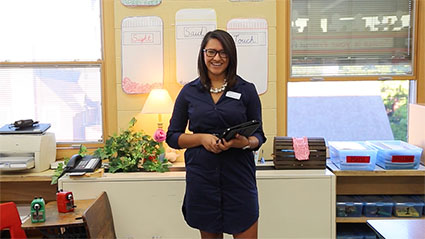
I bet you already know what's in this bag. Yep, ungraded assignments.
Why haul all these papers home when you could create an online assignment that auto scores and posts to the gradebook?...
Hi, I'm Mr. Price.
I bet you already know what's in this bag. Yep, ungraded assignments.
Why haul all these papers home when you could create an online assignment that auto scores and posts to the gradebook?
Here's how to make it happen.
In My Gradebook, go to the Assignments tab and select Add Assignment.
Fill in the details, then go to Options, Create Online Assignment.
Basic assignment information and formatting go here.
Under Student & Family Access Options, set the start and stop dates, the number of questions per page, and when to show results.
Enable Auto Score and Post to Gradebook to have Skyward automatically assess and post results for Multiple Choice, True/False, and Matching questions.
Choose from a few final options, then click Save and Add Questions.
Choose from five different question types, add additional content, and mark which option or options are correct.
Depending on your district's setup, you can add attachments, including images, to your questions and answers.
When you're done, make final edits, then click Save and Back to make the quiz available in Student Access.
Teaching is already a big part of your life. Why not save time for some of the other things that are important too?
Work smarter with Skyward's Online Assignment tools.
Stay tuned for the next Quick Hits for Teachers, coming soon.
Watch More From Teacher

Gradebook Display

Dashboard and Widgets