Get started
 Log in
Qmlativ Spotlight: Say Goodbye to Lost Student ID Cards with Digital IDs
|
Kaylie Wiedmeyer Edtech Thought Leader |

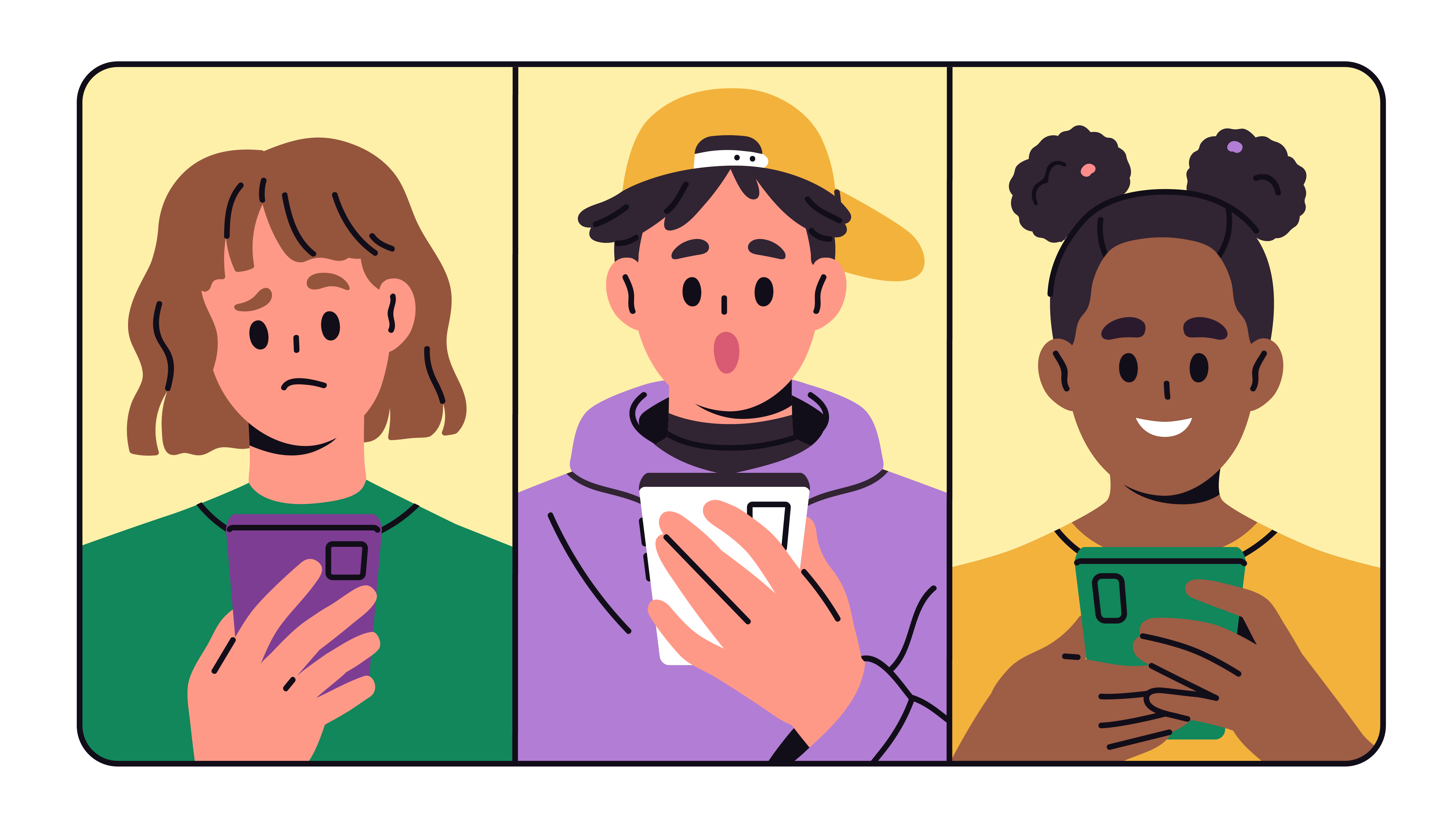
It often seems like students realize their ID cards are missing the moments they need them most: checking out a library book, getting into a school-sponsored event, or worst of all, purchasing food in the lunch line.
Between switching periods, traveling to extra-curricular events, and messy backpacks, it can be easy for an ID card to get lost. For staff, it can cause confusion and time-consuming fixes.
The good news is, schools can say goodbye to lost, damaged, or forgotten ID cards. Qmlativ’s Student Mobile ID Card feature enables students to access their ID cards on the devices they use the most: their mobile phones.
Now, staff don't have to worry about that moment a student realizes their ID card is missing. Whether it be getting into a school dance or checking out a-la carte at the lunch line, all students need to do is pull their mobile device out of their back pocket.
What if mobile devices are restricted at my school?
Student ID cards can be accessed through any digital device. With access to their Skyward account, students can find their ID card in their student information.
The ID card displays the information configured by the district and can include a barcode to be scanned for identification purposes, no matter the device it’s accessed on.
Staff can choose which barcode value to use, including:
- Student Number
- State Student ID
- Food Service PIN
Most schools have 1:1 digital devices to supplement classroom learning. Now, students can access important identification information on those devices. This flexibility allows students to access their ID at school-sponsored events where their school-issued devices aren’t present and during the school day without risking the distraction of their mobile phone.
How can districts set up digital student ID cards?
Digital ID cards are easy to deploy. When creating student ID cards, staff can use the existing student information already managed by the district. All staff need to do is configure a uniform template that can be applied to each student.
Before getting started, make sure the appropriate administrators have access to Family/Student Access configuration settings. Districts can also choose which user roles have access to the Student Mobile ID Card feature within Family Access and Student Access.
The Student Mobile ID Cards are configured at the entity level. This flexibility allows districts to manage ID settings independently across different buildings or entities. After configuring the ID card in one entity, districts can use the Copy Family/Student Access Settings to quickly duplicate those settings across additional entities. This way, IDs for different entities possess the same characteristics.
Districts can also customize what is displayed on a barcode, including Student Number, Student ID, and Food Service PIN.
With this new Qmlativ digital ID feature, students can access their student ID card wherever they go, making identification easier, faster, and more accessible.
Thinking about edtech for your district? We'd love to help. Visit skyward.com/get-started to learn more.
|
Kaylie Wiedmeyer Edtech Thought Leader |