Get started
 Log in
December 01, 2023 • read

Technology Tips: December 2023 Edition
|
Skyward IT Services Network Infrastructure and Security Specialists |

Skyward IT Services

Backup legacy accounts and storage
Here’s a great resolution for the new year: Back up your email addresses. Don’t get locked out of a legacy account full of nostalgic memories.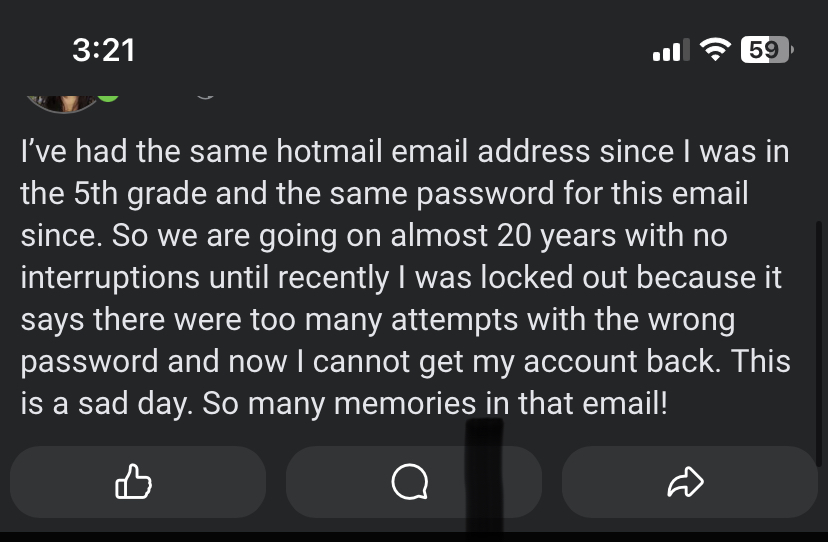
Can you spot the security faux pas? First of all, it’s a great idea to update your passwords regularly. If you have a monitoring service (for example, Gmail provides this for accounts) check to see if your credentials may have been compromised. Then create a strong password or passphrase. It may even be a good idea to forward copies of special or important emails and documents to a second backup account.
New tech? Lock it down
If you’re exchanging technology gifts this holiday season, include the gift of cybersecurity. Choose a strong password, passphrase, or PIN. Enable the relevant parental controls and security features. If you’re playing tech support Santa for relatives or friends, take an opportunity to share some spooky tales of the risks of poor password management, personal identifying information lost to cyberGrinches, and other IT ghost stories.Here's more information about setting up technology for young users.
Take control of your advertisements on Facebook
While social media platforms abound, none “follow” users around the Web quite like Facebook. If you’re up for a refresh, take a stroll by the Accounts Center and update your advertising settings. Here’s how.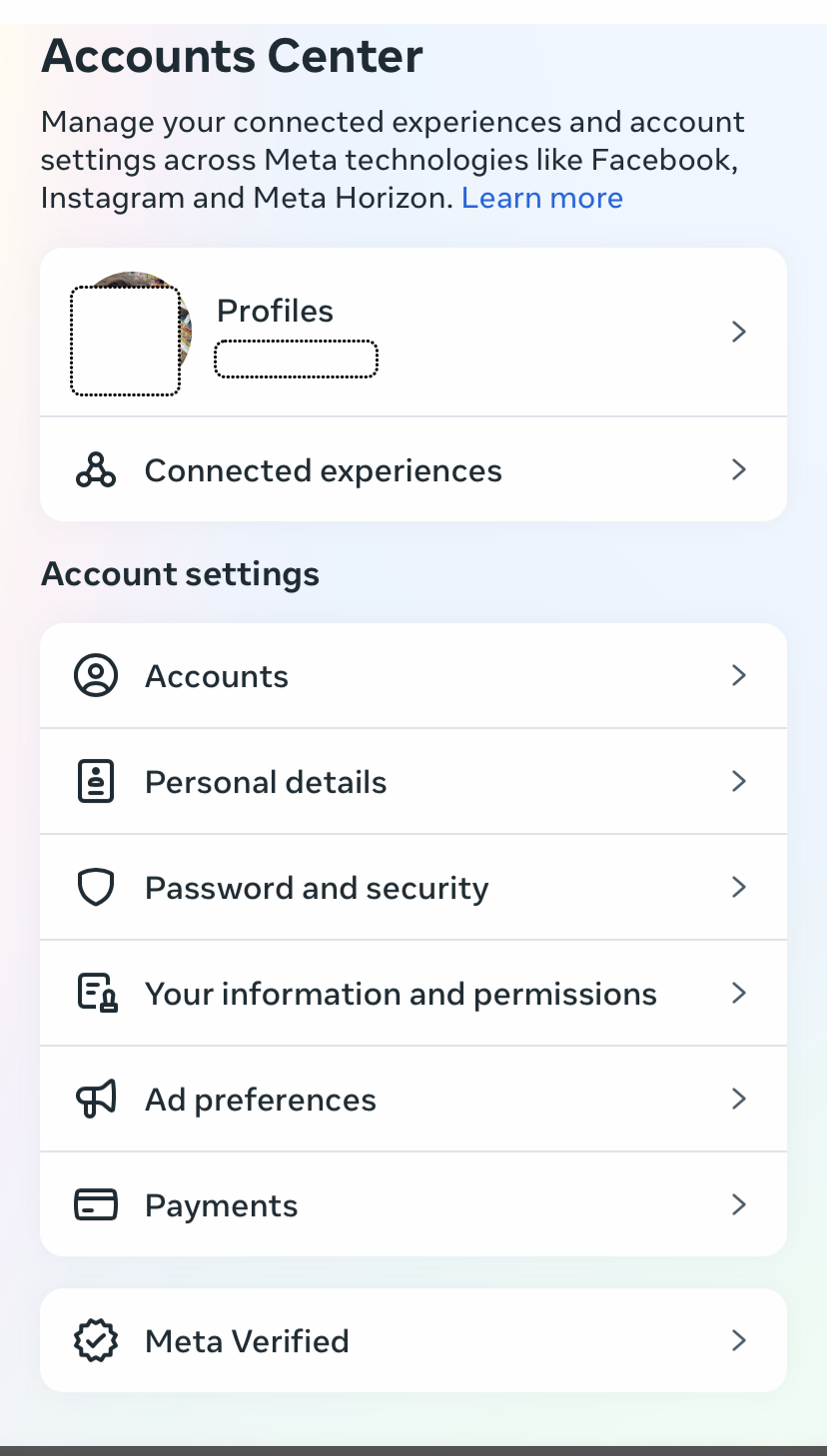
Start in the Accounts Center and select Ad preferences.

Here, you can take a look and remove ads you’ve recently interacted with (especially if some surprise you). Review your ad topics and remove any you’re not interested in. Then click Ad settings to make adjustments there.
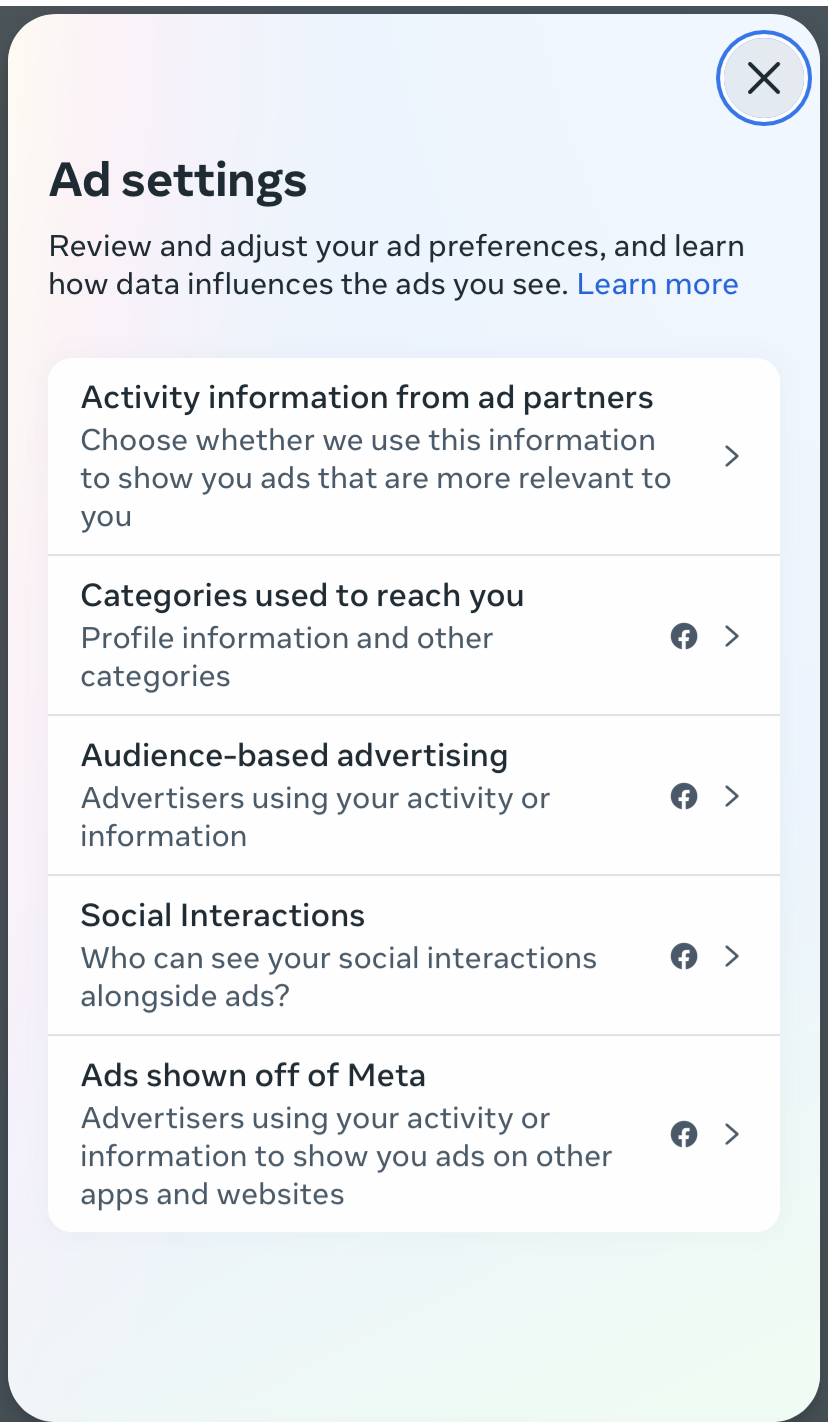
Here, you can explore the different ways Facebook (and its parent company Meta) have identified you as a target for advertisements. You can see which categories they’ve automatically assigned to you. At the very least, it’s illuminating (and can help explain the phenomenon many of us experience: post-conversation ads in the newsfeed).
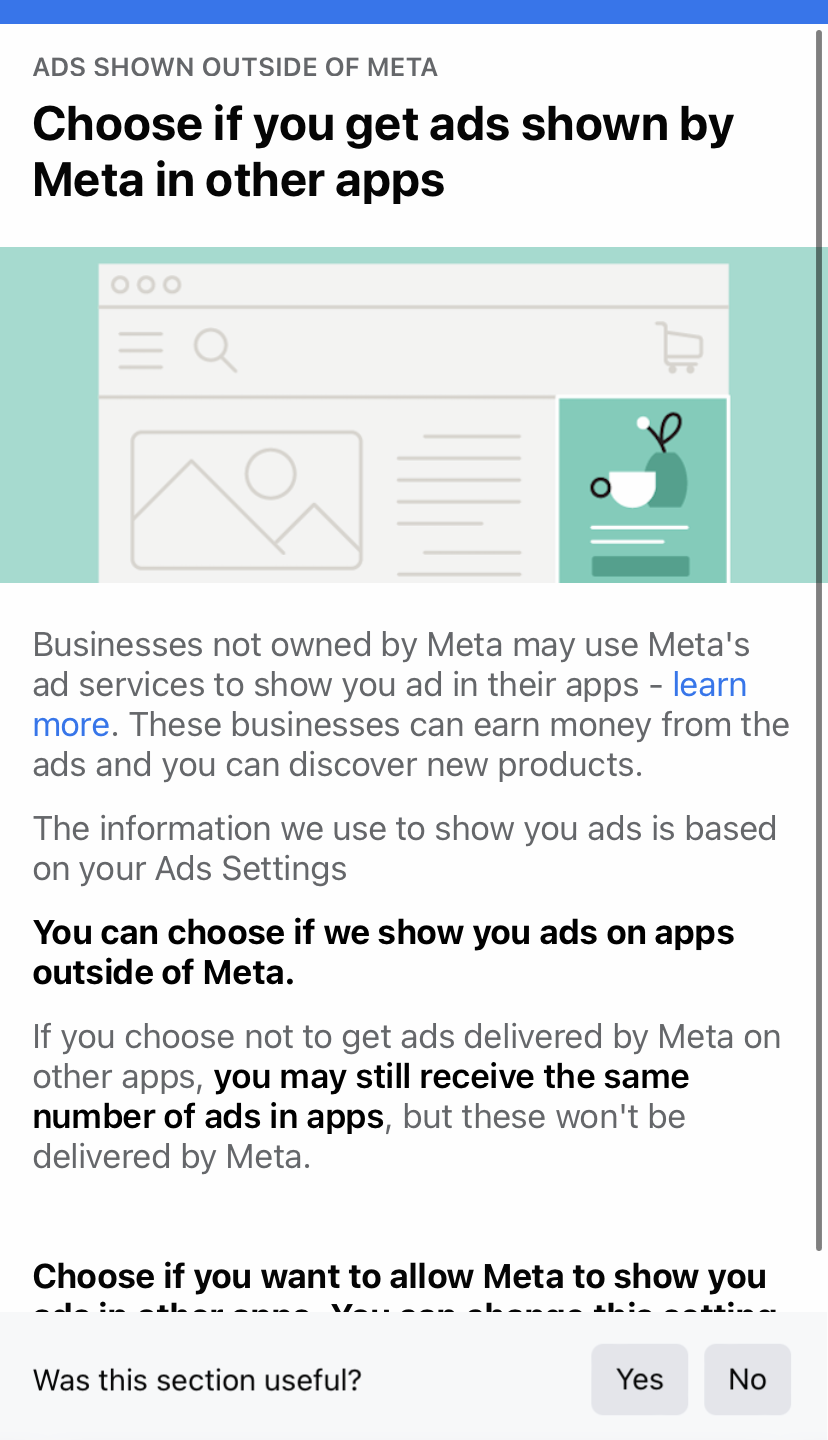
Finally, you can elect not to allow Meta to show you ads in other applications. While it’s true as a user you accept that your data is fair game for advertisers, taking control of the settings can help dial down the creep factor a notch.
Malware of the month
A Malwarebytes report reveals a 50% month-over-month increase in a specific credit card skimming campaign called Kritec. It provides very convincing templates designed to mimic website payment screens—even down to language localization. At the same time, Malwarebytes has noted a 42% increase in malicious ads.- THINK before you click, especially on sponsored ads! Type in the retailer’s URL instead.
- Be suspicious of payment screens. Look for outdated or wonky logos, old copyright boilerplate, and inconsistent design and fonts. No deal is worth compromising your personal information!
- Use password managers and multifactor authentication. This step is designed to slow you and the tech down and ensure the right credentials aren’t picked up by the wrong organizations.
- Keep an eye on your accounts and do not be fooled by false urgency in unusual delivery methods, such as text messages.
Thinking about edtech for your district? We'd love to help. Visit skyward.com/get-started to learn more.
|
Skyward IT Services Network Infrastructure and Security Specialists |