
 Get started
 Log in

Skyward's Mobile App
download Download the app| check_circle |
Immediate access to student grades, attendance, behavior, and more Family Access functionality. |
| check_circle |
Mobile Employee Access for paycheck history, timesheet submission, tax forms, and more. |
| check_circle |
Available on both iOS and Android. |
To download the app:
For iOS devices like the iPhone or iPad, download the app from the Apple App Store.

For Android devices like Samsung or the Google Pixel phones, download the app from the Google Play Store.

Need help logging in?
Due to privacy concerns, Skyward does not have your login information. Contact your school or district for troubleshooting, password resets, and account creation.
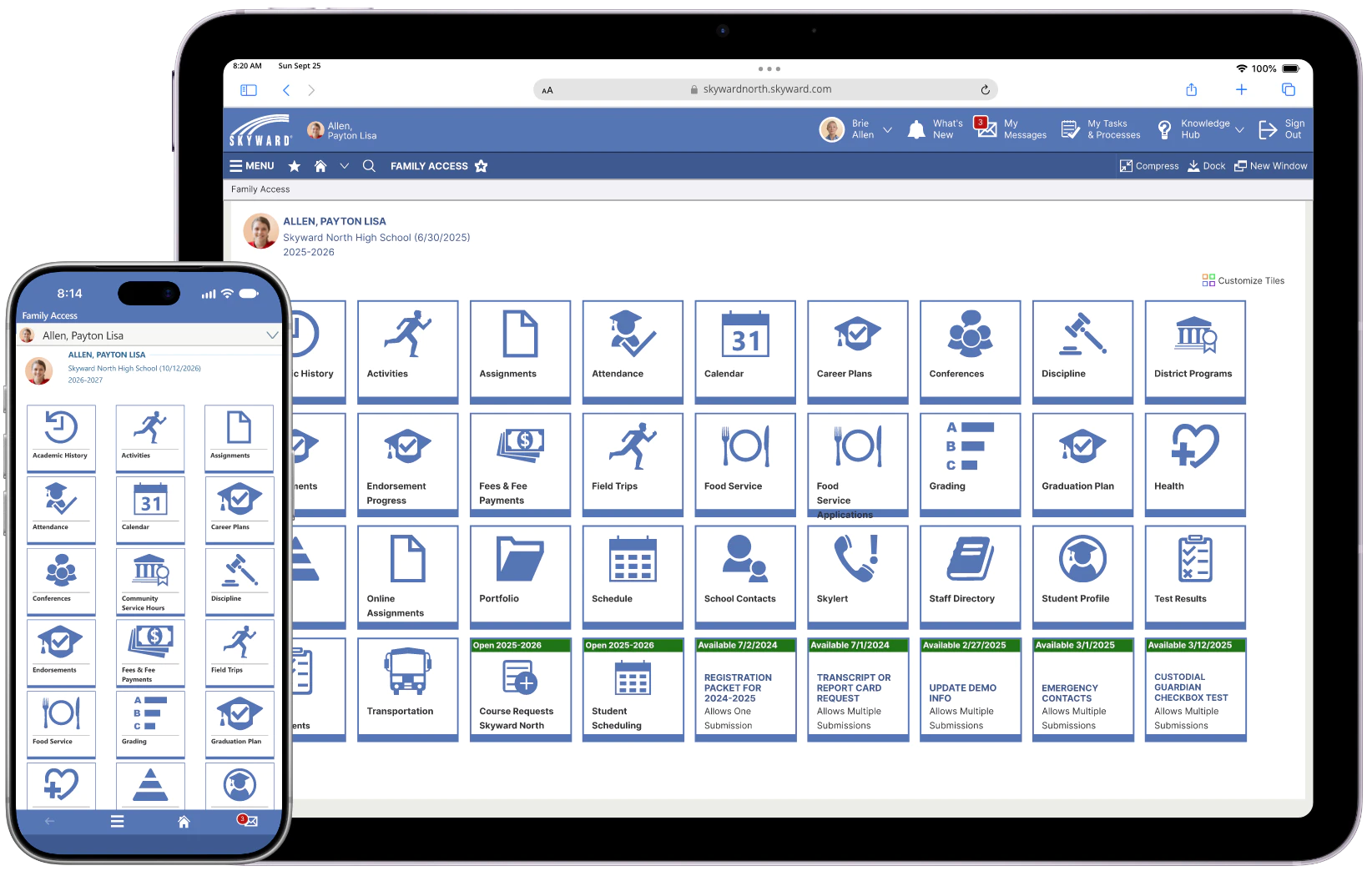
iPad device is showing the full desktop Family Access view on a web browser.
What is Family Access?
Family Access is the view parents and students see when they login to the Skyward app. Family Access allows parents and students to:
| check_circle |
View grades, test scores. and upcoming assignments |
| check_circle |
Receive attendance alerts |
| check_circle |
Manage fees and enrollment for school activities |
| check_circle |
Directly communicate with staff |
| check_circle |
Monitor and deposit lunch money balances |
Learn how to use the app and more helpful resources are available on our toolkit page:
Continue to:Family Access Toolkit east